Saving Your Progress:
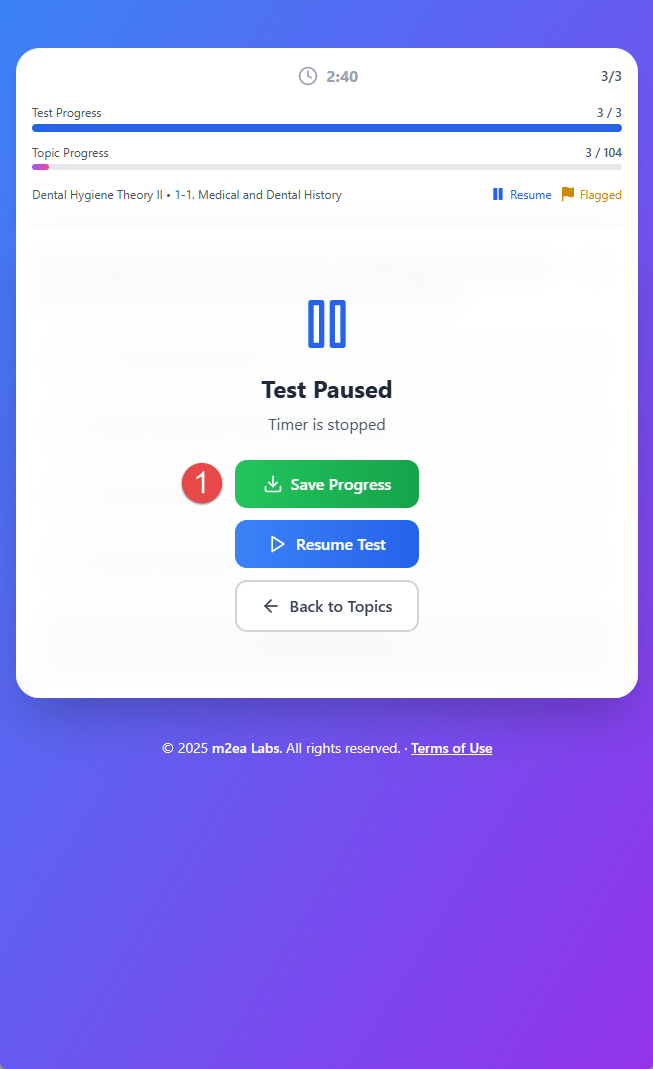
1. Save from Pause Screen
If you want to save the current progress and want to test or study later, you can click the Save Progress button from the pause screen.
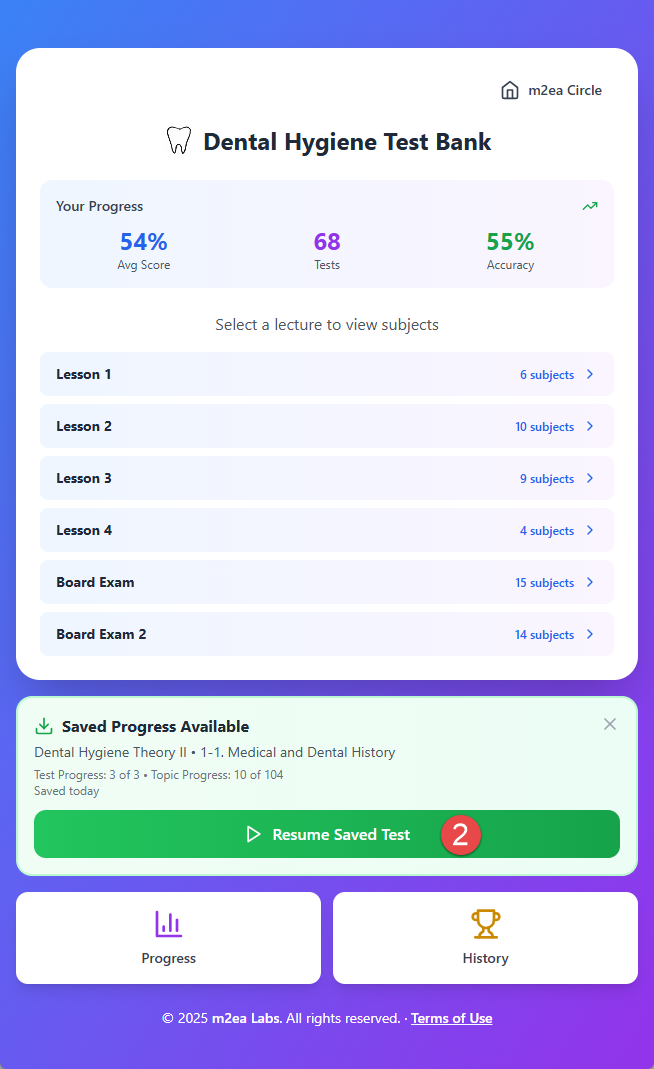
2. Resume Saved Test
When you access the Dental Hygiene web app again, you can resume the saved test from where you left off.
Note: Your progress is saved locally on your device only. Different devices will have separate progress tracking.