Tracking Your Performance:
1. Access Progress
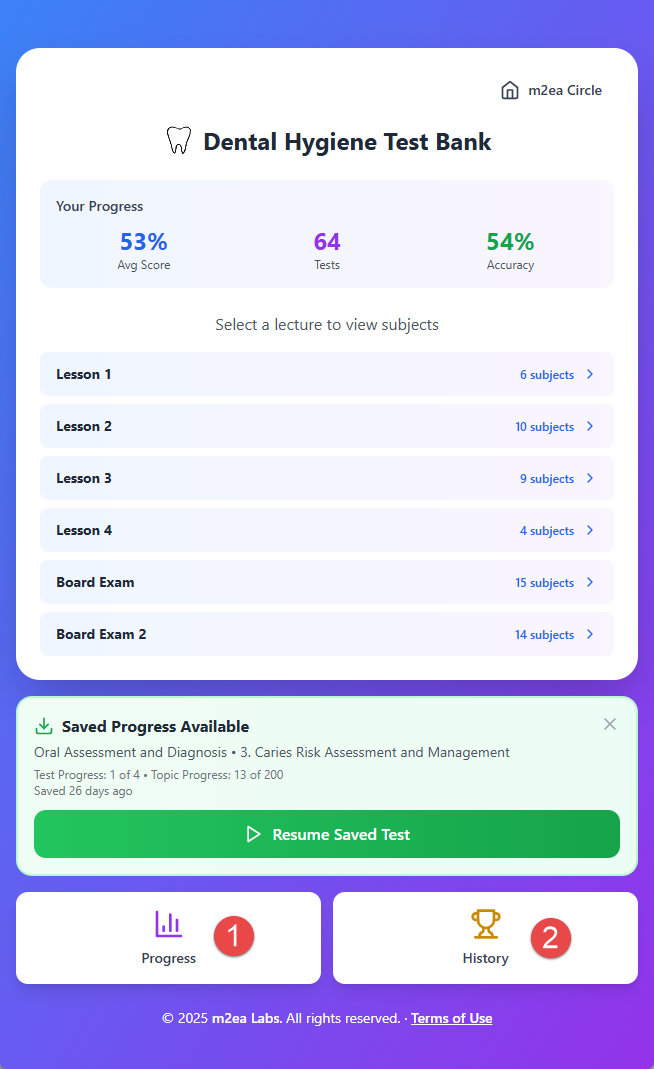
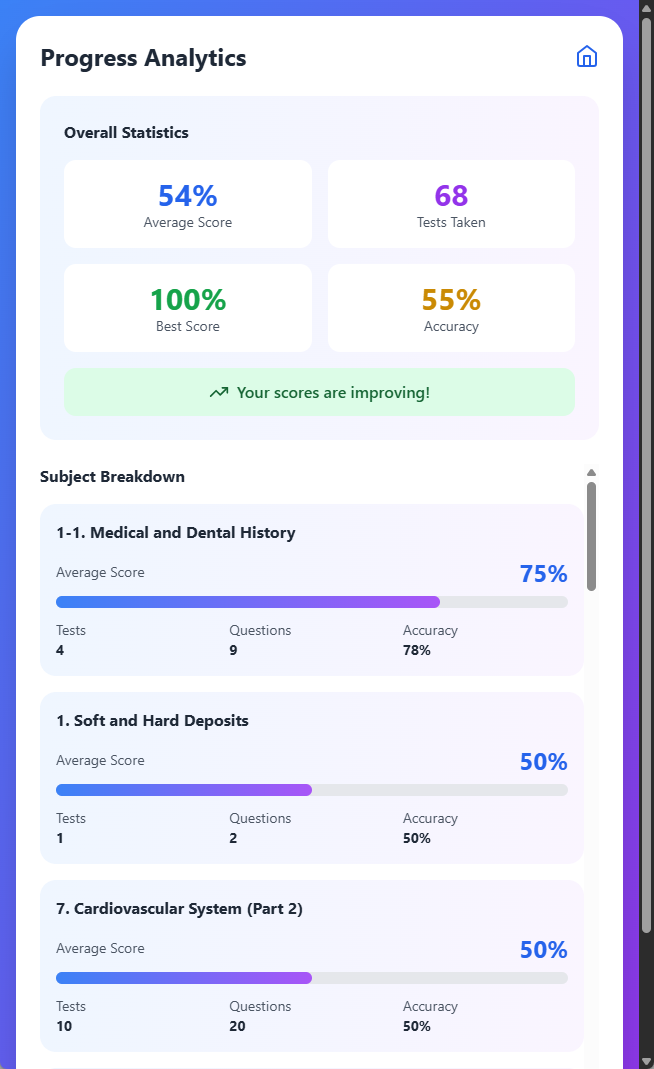
When you click the Progress button, you can check your progress across all subjects and topics.
2. Access History
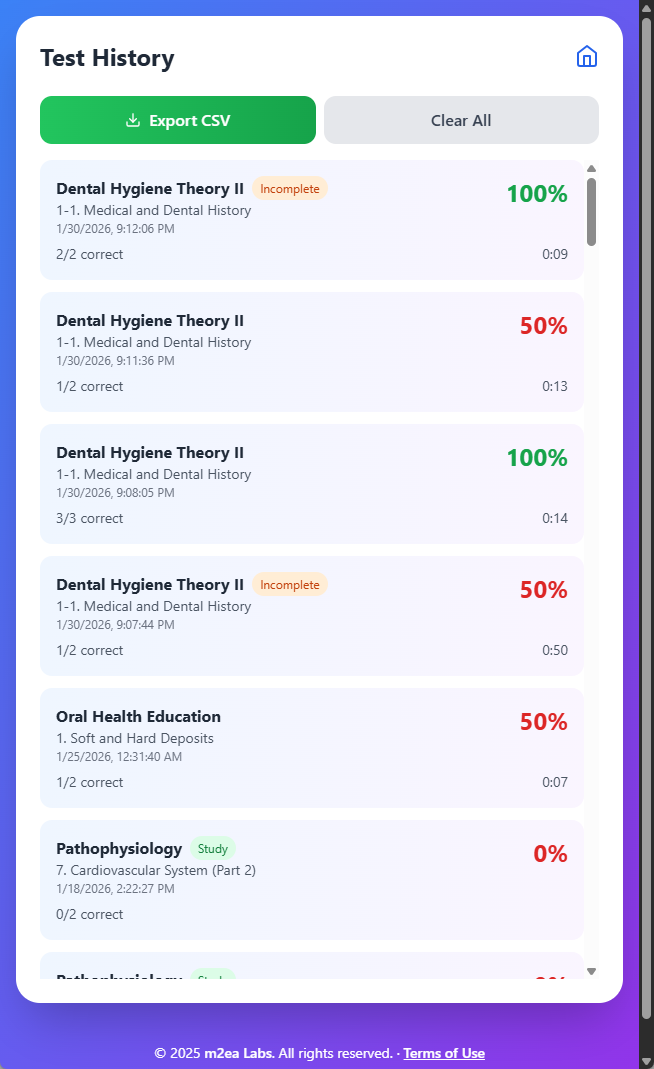
When you click the History button, you can review your past test results and performance.
3. Important Note about Data Storage
You do not login to the Dental Hygiene Test Bank web app, so the progress and history will be saved on your device only. If you access another device, it will have new progress and history.
4. Progress Screen
The Progress screen shows your current status and completion percentage for each topic.
5. History Screen
The History screen displays all your past tests with dates, scores, and detailed performance metrics.